
Network Setup for
Retail & Restaurants
Cameras, WiFi, and networking all pre-matched and ready to deploy with zero guesswork. Designed specifically for integrators who want to build faster and scale easier.
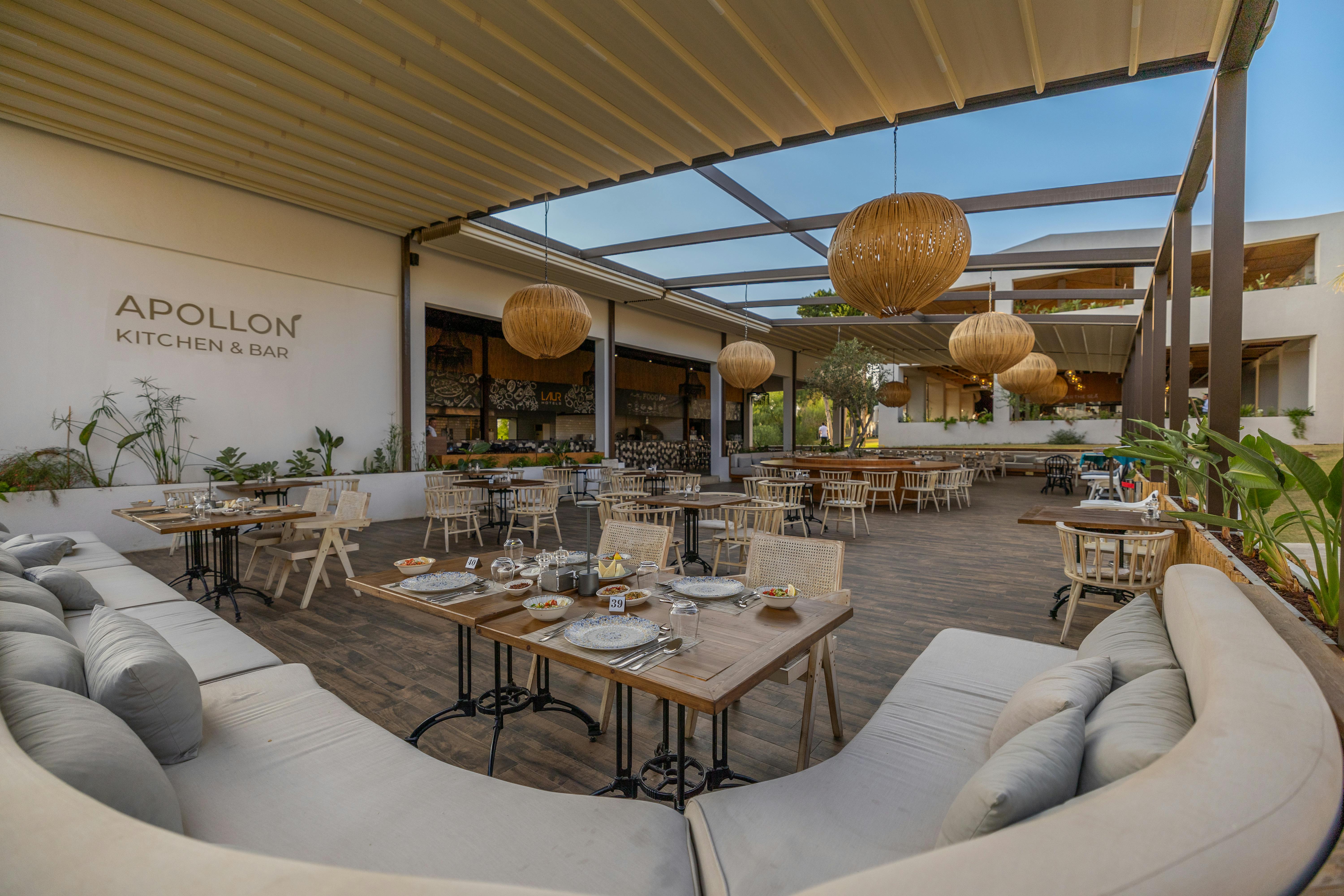
Stop Wasting Time Piecing Together Network Systems
Sourcing parts from five different vendors to build a retail or restaurant network from scratch is a recipe for delays, blown budgets, and frustrated clients.
Switch Capacity Limits
Figuring out exact port counts and PoE budgets for cameras and WiFi access points.
Power Confusion
Balancing total switch power limits versus when to use separate injectors for high-draw edge devices.
Brand Headaches
Fighting through compatibility issues and conflicting software when mixing and matching different brands.
Mid-Install Failures
Experiencing project delays because parts were ordered separately and arrived missing crucial pieces.
The eLine Difference
Install complete, reliable systems faster with zero guesswork.
The eLine Retail System Builder™
We design, source, and support your entire network so you can install faster and scale without headaches.
Complete System Design
Cameras, switches, cabling, and racks planned out for you.
Pre-Matched Components
Guaranteed 100% compatibility across all network gear.
One-Order Install Kit
Everything ships together. No missing parts on install day.
AI + Human Support
Get immediate answers during the install, minimizing downtime.
Repeatable Builds
Save your blueprints for seamless multi-location rollouts.
What’s Included in a Retail Setup
Every component is engineered to work together flawlessly, providing a robust backbone for your client's business.
Network Core
- PoE switches (8–48 port depending on size)
- 10G uplinks for larger locations
- SMB vs Enterprise options (Intellinet)
Surveillance System
- IP cameras (indoor + outdoor)
- NVR integration & redundant storage
- Remote viewing & multi-site setup
WiFi & Connectivity
- High-density Access points (WiFi 6/6E ready)
- VLAN-ready networks for private vs guest WiFi
- Seamless roaming configurations
Power Solutions
- High-budget PoE switches (Primary)
- PoE Injectors for edge devices (PTZ, APs)
Infrastructure
- Intellinet Server Racks
- Wall-mount cabinets
- Power Distribution Units (PDUs)
- Structured cabling solutions
- Patch panels & keystones
- Cooling & cable management
Proven Retail Setup Configurations
Turnkey blueprints designed for the most common commercial environments.
Quick-Service Restaurant (QSR)
- 8–12 IP Cameras (Dining & Kitchen)
- 16-Port PoE Switch
- 2–3 WiFi Access Points
- Strict Network VLAN Separation
Retail Store
- 12–24 IP Cameras (Aisles & Stock)
- 24-Port PoE Switch
- Guest WiFi + Staff Network VLANs
- Secure Back Office Rack
Multi-Location Chain
- Standardized System Builds
- Repeatable Installation Protocols
- Centralized Cloud Management
- Scalable Hardware Rollouts
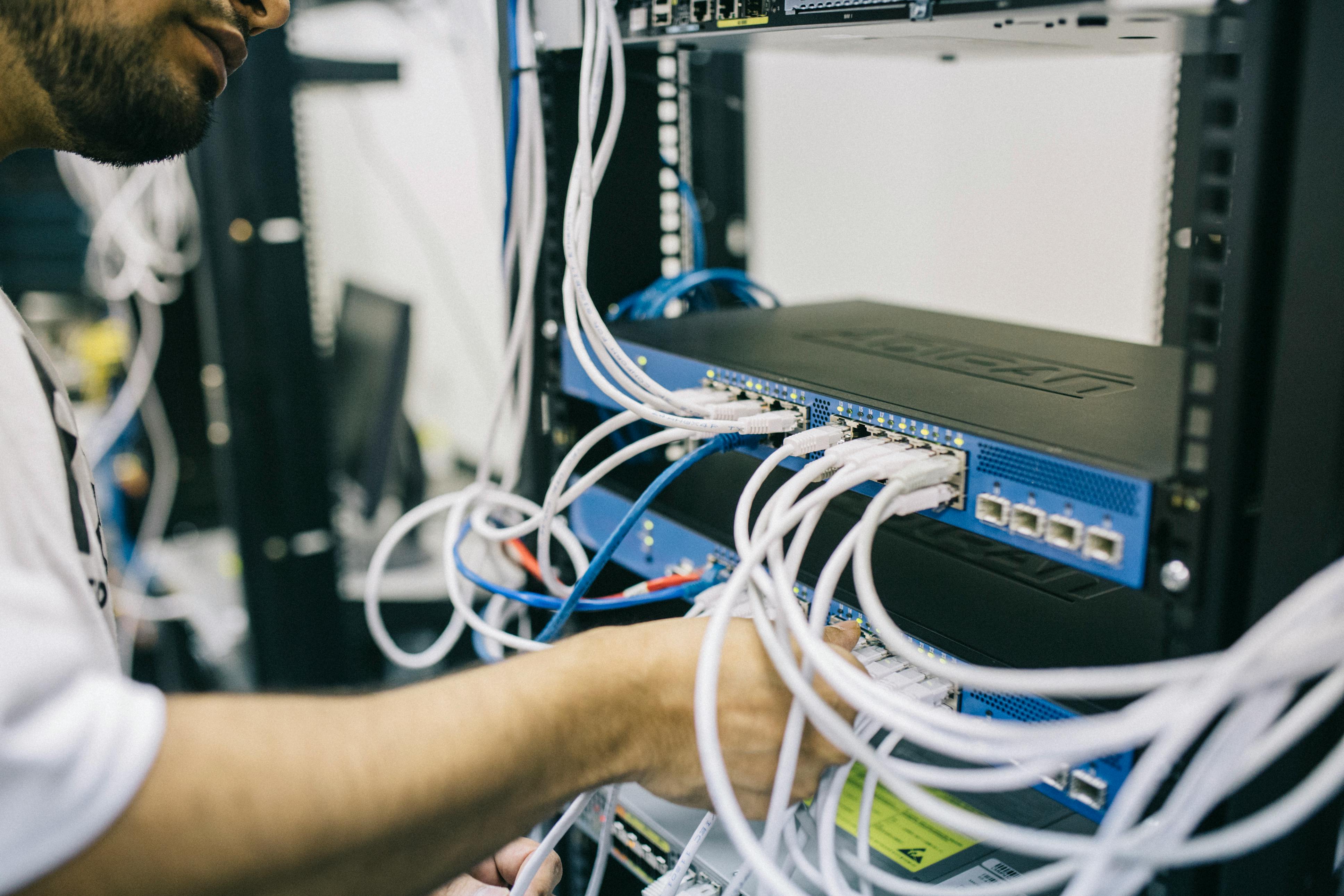
Built for Installers, Not Just Buyers
No Guesswork Guarantee
"If it doesn’t work together, we fix it." We ensure 100% compatibility before the gear ships.
Faster Install Times
Pre-matched systems reduce your planning time by up to 50%.
AI Manual Assistant
"Talk to the manuals" during installs. Instant AI troubleshooting right from your phone.
Real Support
Faster than manufacturer support. Experience a true human + AI hybrid support model.
Better Margins
Take advantage of our OEM sourcing and smart product substitutions to protect your profits.
How to Choose the Right Network Setup
Free resources and guidelines to help you plan your next retail installation.
How Many Ports Do You Need?
Choosing the right switch starts with counting your devices — then adding room to grow.
Step-by-step:
- Count all connected devices: Cameras, POS terminals, WiFi APs, Computers.
- Add 20–30% extra ports for future expansion.
How to Calculate PoE Power Budget
Not all PoE switches are equal — you need enough total wattage, not just enough ports.
Step-by-step:
- Check power draw per device (Standard camera: ~8–12W, PTZ: 20–40W, WiFi AP: 15–30W).
- Multiply: Number of devices × watts per device.
- Add 20–30% buffer.
When to Use Injectors vs Switches
This is one of the most misunderstood parts of installs.
Use a PoE Switch when:
- You have multiple devices (cameras, APs, etc.)
- You want centralized power + management
- You’re building a full system
Use a PoE Injector when:
- You only need to power 1–2 devices
- You’re adding to an existing non-PoE network
- You need higher wattage (PoE++ / 95W) for devices like PTZ cameras, high-power APs, or digital signage.
Rack vs Wall Mount Cabinet
Choosing the right enclosure depends on space, size, and scale of the install.
Use a Wall Mount Cabinet when:
- Small to mid-size installs
- Limited space (back office, closet, retail store)
- 8–24 port switches
Use a Full Rack when:
- Larger systems (24–48+ ports)
- Multiple devices (switches, NVRs, servers)
- Multi-location or enterprise installs
Built for Professional Deployments
Get Your Retail Network Designed
Stop guessing. Get a free, no-commitment quick system recommendation built exactly for your project.